 English
 Svenska




How to Order Business Cards in the Webshop
Go to the Business Cards category, select the design you want to order, and then click the "Go to Bording Online" button.

You will be taken to the configurator. Fill in your details and click "Save As".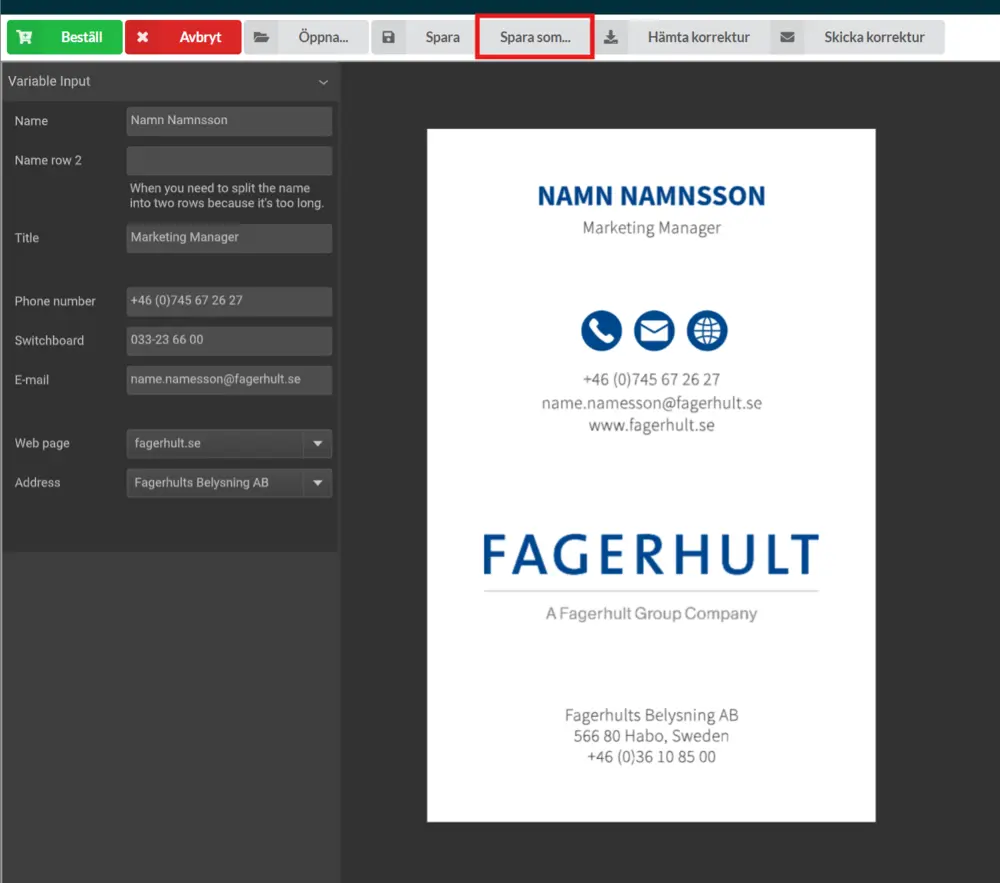
Enter a document name and click the green "Order" button.
To view previously ordered business cards, click "Open".
Once you've selected your business card and checked that all the details are correct, click "Order".
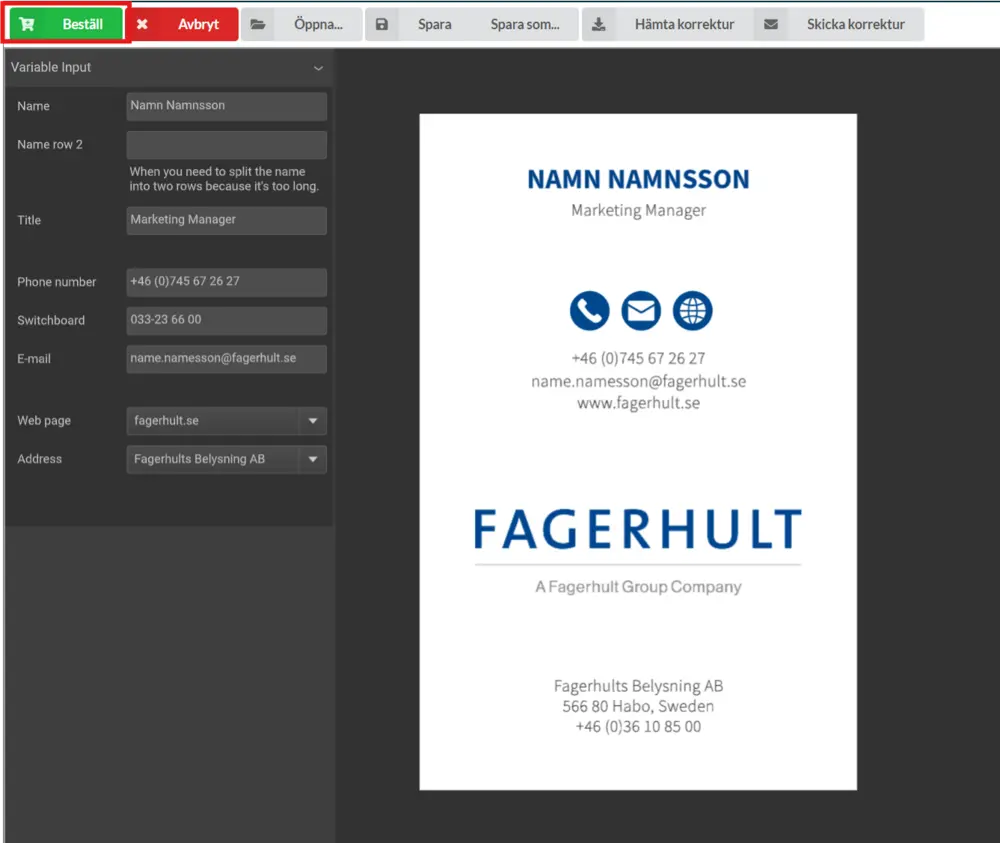
You’ll then be redirected back to the webshop from the configurator. Enter the quantity and click "Add to Cart".
Finally, go to the checkout and complete your order.
